
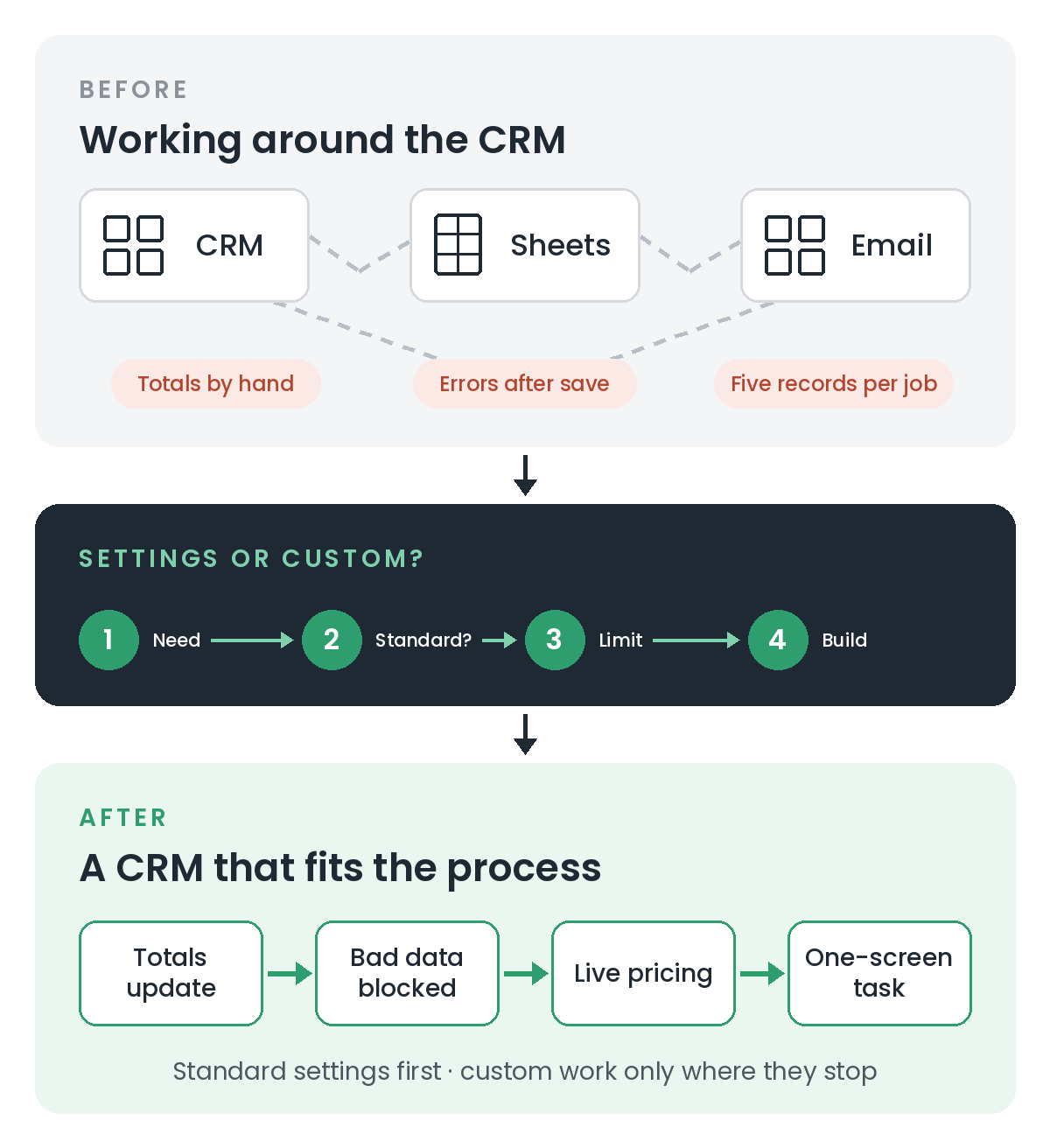
Zoho CRM can do a lot without any code. Fields, layouts, workflow rules, validation rules and Blueprints cover most of what a small or medium-sized business needs. So when someone asks whether they need a Zoho customiser, my honest first answer is often "not yet". There are, though, clear points where the standard settings stop. Here are five requirements that come up again and again. For each one: what Zoho gives you as standard, where it stops, and what custom work adds.
1. Totals from related records
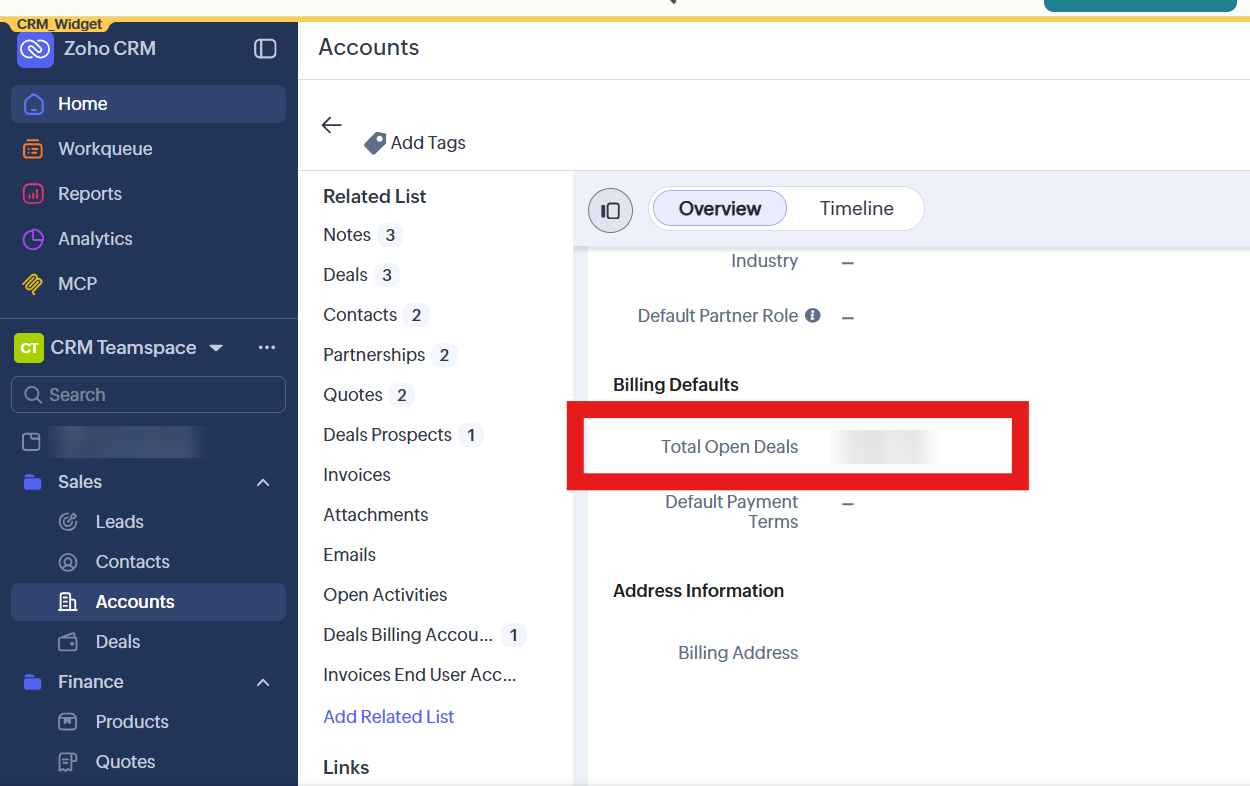
The requirement: show the total value of an account's won deals, or the date of its next renewal, on the account itself. Standard option: a rollup summary field. It summarises a related list (sum, average, maximum or minimum for numbers, and earliest, latest, recent or upcoming for dates), with criteria to filter which records count. No code is needed. Where it stops: rollup fields are only available in the Professional, Enterprise and Ultimate editions, and Enterprise allows up to 10 per module (Zoho CRM community announcement). Zoho's own solution library also points out that a rollup can't be filtered by a date range such as your financial year (Zoho CRM solutions). Custom option: a workflow rule that runs a small Deluge function (Zoho's scripting language) whenever a deal closes. It recalculates exactly the total you need, for exactly the period you need.
2. Checking data before it's saved
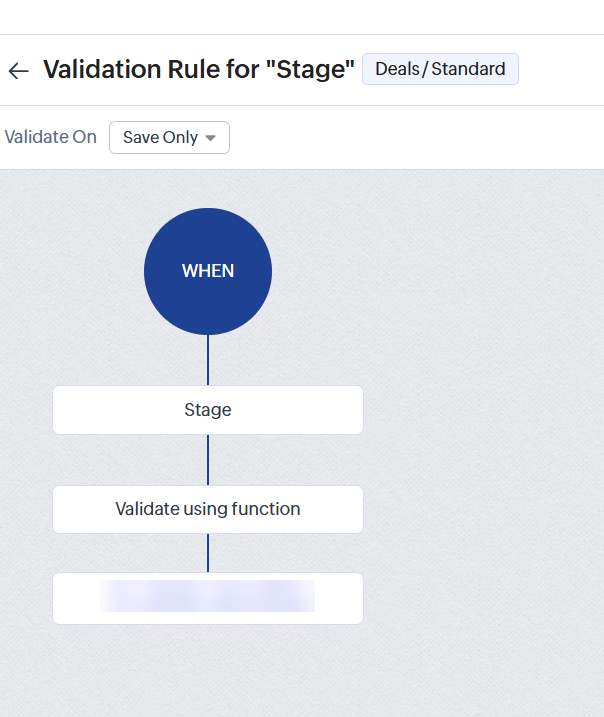
The requirement: stop a record being saved if something doesn't add up, such as a closing date in the past or a reference number in the wrong format. Standard option: criteria-based validation rules. You set the condition and the message, and the record can't be saved until it's fixed. Where it stops: criteria rules compare simple values. They can't apply cross-field business logic or check against another system. Custom option: a validation rule that uses a function. Zoho describes these as covering "conditional or complex validation that the standard rule builder cannot express", including checking data outside the CRM (Zoho CRM function categories). They're limited per module: three in Enterprise and five in Ultimate (Zoho CRM help). Spend them on the rules that really matter.
3. Reacting while someone is typing
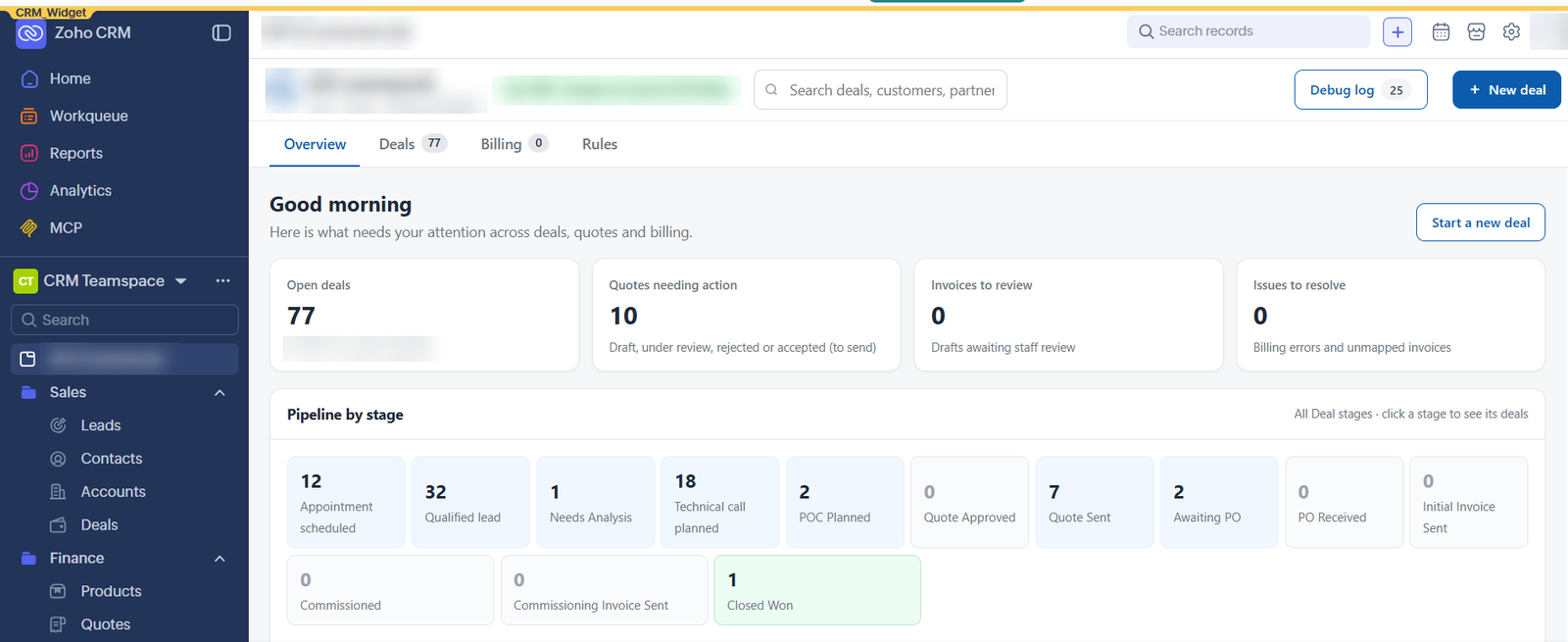
The requirement: reprice a quote the moment a salesperson changes the pricing model, warn them about a missing field before they save, or fill in details as soon as an email address is entered. Standard option: layout rules can show, hide or require fields based on other values. Workflow rules can update fields, but only after the record is saved. Where it stops: nothing standard can recalculate and guide the user in real time while they work on the screen. Custom option: a client script, which is a piece of JavaScript that runs in the user's browser on create, edit and detail pages. It's available in the Enterprise and Ultimate editions, has a 10-second time limit, and needs a separate script for each layout (Zoho CRM client script overview). One technical point I insist on: anything that affects money, such as discounts and margins, is checked again on the server when the record is saved. Then the numbers stay correct even when a record arrives through an import or an integration. This quoting article shows the approach.
4. Making sure steps happen in order
The requirement: a deal or order can't move forward until certain things are done. Standard option: Blueprints. They control who can move a record to its next stage and what has to be completed first. This is standard Zoho CRM, and it's often all you need. This order example shows Blueprints as a paperwork gate. Where it stops: a Blueprint transition can ask for fields, notes and attachments, but not a bespoke screen, such as choosing several related records at once. Custom option: a widget inside the Blueprint transition. Zoho allows one widget per transition (Zoho CRM widget usage), so the custom step only appears where it's needed.
5. One task that spans several records
The requirement: your team opens five records in turn to complete one job. For example, starting a renewal means checking each related contract, picking the ones to renew and creating the renewal. Standard option: related lists, Canvas page designs and custom buttons help. But the user still moves between records. Where it stops: standard pages show one record at a time. Custom option: a widget, which is a custom screen built inside Zoho CRM. Zoho supports widgets in eight places, including custom buttons, related lists, web tabs, wizards, Blueprints and home page dashboards (Zoho CRM widget usage). On one project, for an energy broker, I built a renewal widget that lists every related meter with its account name, lets the user tick the ones to renew, and creates the renewal record in one step.
When you don't need a customiser
Hold off on custom work if:
- your CRM is new and the team is still learning the standard screens
- a field, layout rule, workflow rule or Blueprint would do the job, even if it's a little less elegant
- you're on an edition that doesn't include the feature you'd need, and the upgrade costs more than the time it saves And when you do customise, keep one rule: the CRM should still work without the custom piece. Data lives in standard modules, and rules live in shared functions, so nothing breaks if a widget is ever retired.
Need a hand?
If your team is working around Zoho CRM instead of with it, I can help you work out which of these five areas needs custom work and which can be solved with standard settings. See how I approach Zoho CRM customisation, or book a free 30-minute introduction. Related reading: How to Connect Zoho to Make.com, and When Zoho Flow Is Enough